Hi, I'm Jason, the creator of FreeFloh, a free collaborative canvas. I also run Nerd-Notes.com, an AP Science learning platform, on which I've spent years coaching AP Physics 1.
Early on I realized I needed a good visualization surface. Something that can seamlessly integrate my writing, drawing, math, and more into a single place.
I tried many whiteboard solutions, including Goodnotes, Notability, and even Jamboard. All had their strengths, but there would be something in each that would be severely lacking. So I started building my own.
For my students
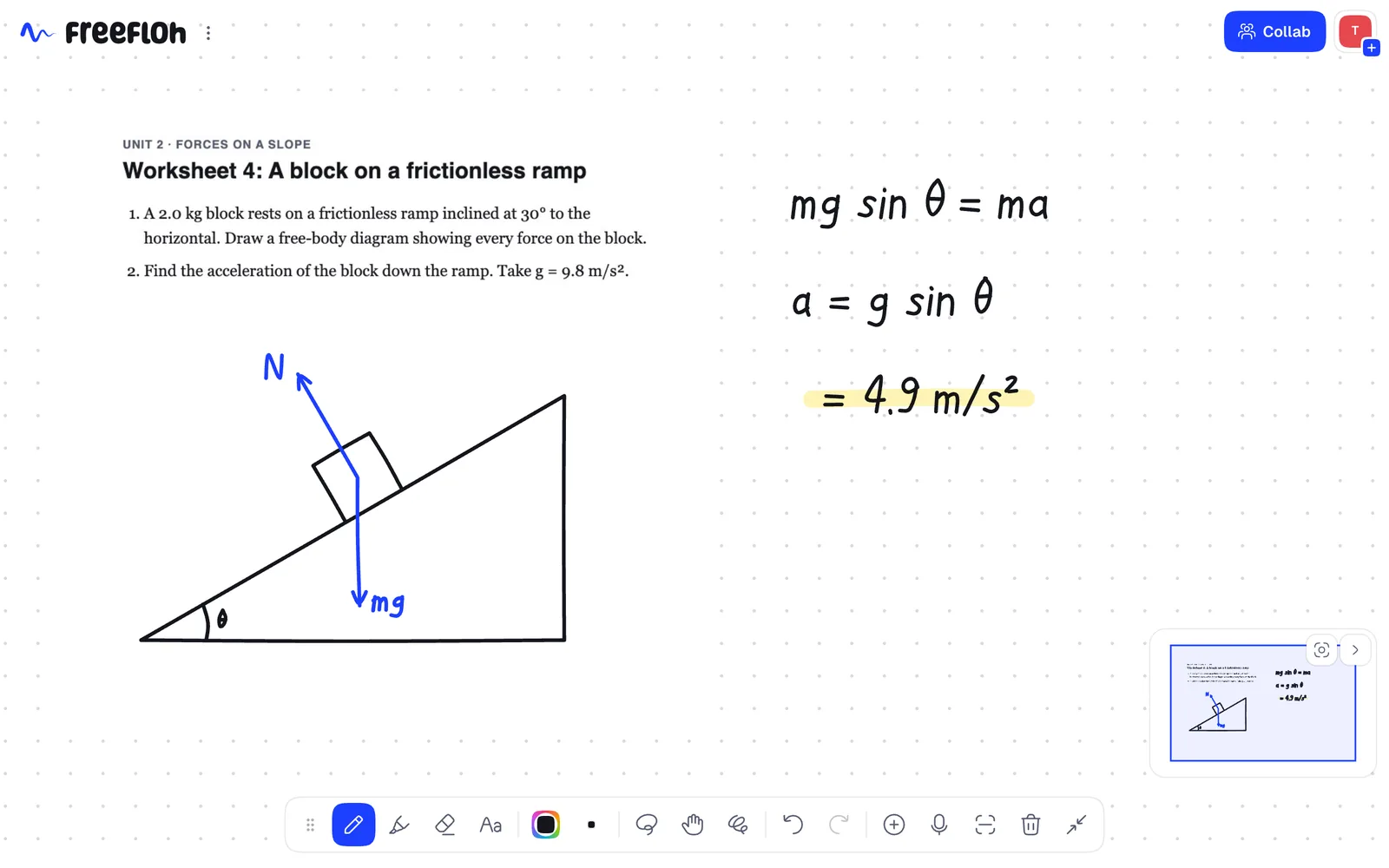
So much of physics is drawn: a free-body diagram, a graph of velocity against time, the working that gets you from the question to the answer.
So the drawing board behind FreeFloh was built for Nerd Notes, for my students and for me first.
That board has been part of my teaching and my classrooms on Nerd Notes for years now.
When Google Jamboard was shut down in 2024, I thought this would be the perfect time to add collaboration and see if teachers in classrooms found it useful. And they did!
Where students show their work
The part I'm proudest of is what students do with it. Over 100,000 students have used the board to show their working on the Nerd Notes question bank and on quizzes in Quiz Lab. Instead of typing their work and explaining complex diagrams, they:
- Draw diagrams
- Write out entire FRQs by hand
- Write full step-by-step derivations to show their working (allowing us to check their answers AND their working)
FreeFloh is that board, for everyone
It was important to me that FreeFloh runs anywhere. No apps or signup needed. Just open the board and start writing.
It's optimized to work across every device:
- iPads with Apple Pencil, or an iPad with your finger
- Windows tablets, with nothing to install
- Chromebooks with your trackpad
- Drawing tablets and a stylus (I personally use a Wacom drawing tablet!)
- Chrome, Safari, Opera, Firefox, and anything in between is supported.
How I use FreeFloh
Every subject is taught a little differently. But common to all is the need to import our documents into the board so we can write on them, or next to them.
FreeFloh makes this effortless to do.
I import a worksheet right on the page and start problem solving. Then I typically ask the student to "collab" and they'll also write directly on the board so I can see their working in real time.
Voice notes are powerful. Instead of long notes, I toggle a voice note widget that captures my voice AND transcribes it, so my student can go back and see (or listen to) exactly what I said in that moment.
Sometimes it's important to record a session (for later use). With FreeFloh you can seamlessly record your entire canvas (and your voice), and then quickly share a link to the video with your class. They can go back and watch it. It's sort of like making an on-demand YouTube video and sharing it with Loom, except it's just a single, effortless step now.
Launching FreeFloh
For almost 2 years FreeFloh has been a part of nerd-notes.com, accessible only to educators signing up via Nerd Notes.
It was easy for me to maintain this way, and cost effective.
Nerd Notes plans can be expensive for teachers and students, however, which is why I finally released all of it for free. Yes, there is a paid version that gives you access to power-user features. But for 99% of people the free plan will do just fine. You don't even need to sign in.
What's next
If you teach, tutor or study, I'd love for you to try it. And share it with your colleagues. Open a board, draw something, and tell me what you think at support@nerd-notes.com.
I'm open to implementing any changes or adding features that you might find useful.
Happy drawing!