We make FreeFloh, so read this with that in mind. Everything below about Microsoft Whiteboard comes from Microsoft's own notices, linked in each section and again at the end.
What Microsoft is changing
Microsoft has published two notices about Whiteboard, and they give different dates for the standalone app.
- Microsoft's support article, Retirement of the standalone Microsoft Whiteboard apps for Windows, iOS, and Android, says the standalone apps retire on October 16, 2026, for people with work or school accounts and for people with personal Microsoft accounts. It says Whiteboard in Microsoft Teams and Whiteboard on the web are not part of that retirement, and that for work or school accounts Microsoft Whiteboard is not retiring. Apps that are already installed show a retirement message instead of your whiteboards.
- Microsoft 365 message center post MC1441775, Microsoft Whiteboard: Retirement of legacy whiteboards and transition to OneDrive-backed whiteboards (published July 28, 2026 and updated August 25, 2026), gives this timeline. From September 25, 2026, users with personal Microsoft accounts can no longer create or edit whiteboards. On October 16, 2026, legacy whiteboards are permanently deleted. On November 30, 2026, the standalone Microsoft Whiteboard app is deprecated. It asks admins to tell people with personal accounts to export any whiteboards they want to keep before October 16, 2026.
If you use a work or school account, Microsoft points you to Whiteboard in Teams or on the web. If you used Whiteboard with a personal Microsoft account, you need something else.
Where FreeFloh fits
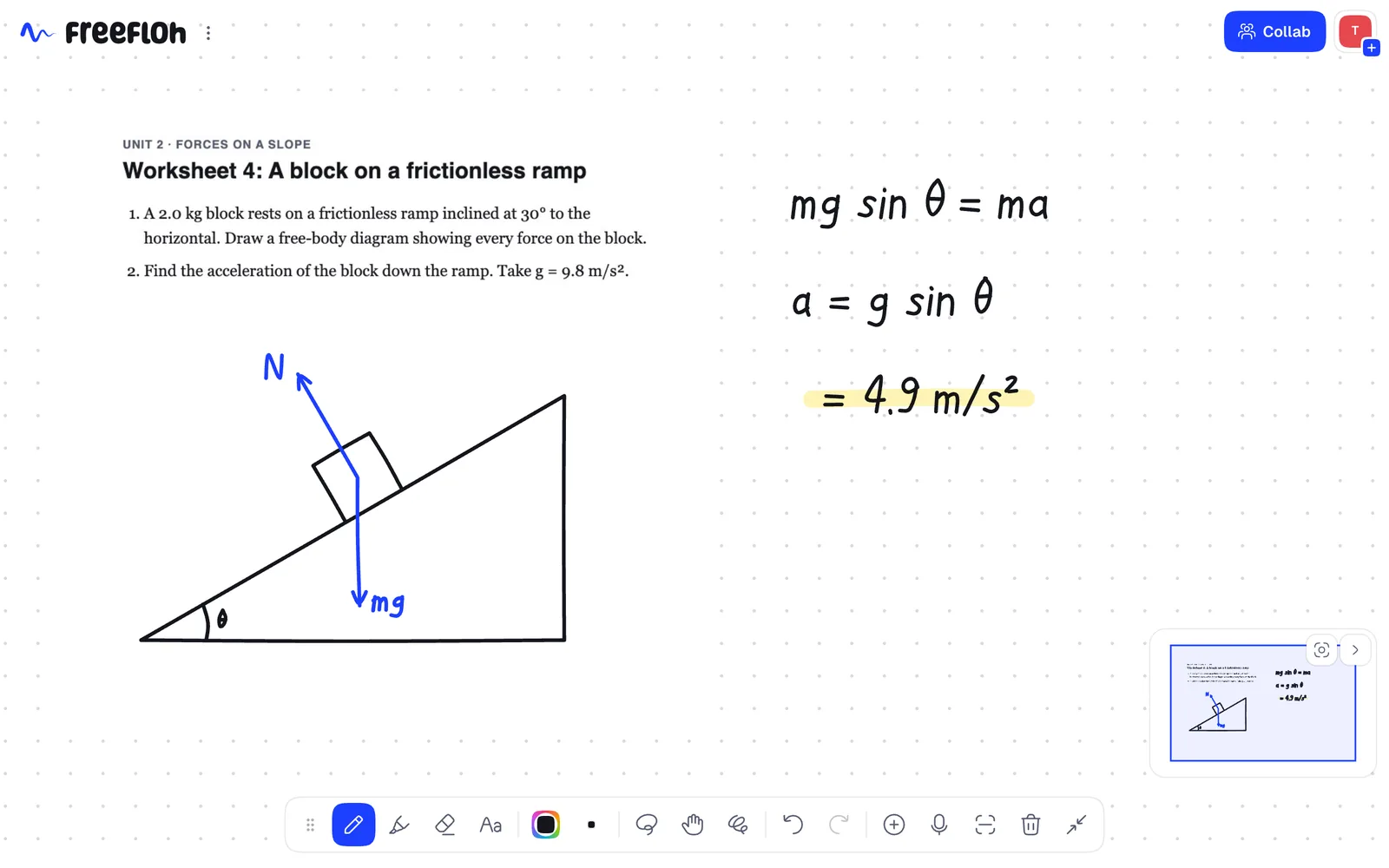
FreeFloh is a free online whiteboard made by Nerd Notes for explaining things by hand. It suits you if you used Whiteboard to write, sketch and teach with a pen.
- Say you drew in Whiteboard with a Surface pen and liked how the line thickened as you pressed. FreeFloh does the same in the browser: wherever your pen and browser report pressure, it sets the width of each line. Once a pen touches the board, your fingers pan and zoom instead of drawing, and your palm can rest on the screen. You can change this in Settings.
- It runs in a current browser on Windows, macOS, ChromeOS or iPadOS, so there is nothing to install.
- You can open freefloh.com/app and start writing. Boards are saved in your browser on that device.
- The board is endless, so you pan anywhere and zoom from 25% to 400%, on dots, a grid or plain paper.
- You can drop images onto the board, or import up to 50 pages of a PDF as images you can write on.
- Once you sign in, you can record the board, your voice and a pointer as a video. Voice notes with transcripts made on your device are free.
- On Plus or Ultra, you can share a board by link. Viewers need no account, and editors sign in with Google to draw with you live.
What FreeFloh does not have
FreeFloh is a pen-first board, so some things you may have used in Whiteboard are missing.
- No sticky notes or templates. Text boxes hold typed notes and LaTeX math, and the Shapes button draws shapes, connectors and ready-made diagrams such as a flowchart or a table.
- No Microsoft account sign-in and no Teams integration. Sign-in is with Google, and only needed for recording, cloud boards and sharing.
- It can't open Microsoft Whiteboard files. Bring old boards in as images or PDFs instead.
- Boards export as PNG images. There is no PDF export.
If you work in Teams with a work or school account, Whiteboard in Teams is still available to you and will be the closer fit.
Moving your boards
Microsoft's message asked people with personal accounts to export the whiteboards they wanted to keep before October 16, 2026. If you saved a board as an image or a PDF, drop it on a FreeFloh board and keep working on top of it: images come in as they are, and PDF pages come in as images you can write on.
What it costs
Drawing, images, PDFs, voice notes and every board on your device are free. Recording is free once you sign in. Plus adds cloud sync, recording links, sharing and editing with 2 others, and Ultra lets you and up to 39 others edit at once. Only the board's owner pays. See pricing.
Sources
Sources: Microsoft's own notices. Microsoft can change its plans, so check its pages for the latest dates.
- Microsoft Support's Retirement of the standalone Microsoft Whiteboard apps for Windows, iOS, and Android.
- Microsoft 365 message center post MC1441775, Microsoft Whiteboard: Retirement of legacy whiteboards and transition to OneDrive-backed whiteboards. The message center itself needs an admin sign-in, so this link goes to a public copy of the post.
- Our own pricing, FAQ and whiteboard recorder.
Microsoft and Microsoft Whiteboard are trademarks of Microsoft. FreeFloh is not affiliated with or endorsed by Microsoft.
Questions
Is Microsoft Whiteboard being discontinued?
The standalone apps for Windows, iOS and Android are. Microsoft's support article gives October 16, 2026 for their retirement, and its message center post MC1441775 says the standalone app is deprecated on November 30, 2026. Whiteboard in Teams and on the web continues for work and school accounts.
Can I still use Microsoft Whiteboard with a personal account?
According to MC1441775, users with personal Microsoft accounts can no longer create or edit whiteboards from September 25, 2026.
Does FreeFloh work with a pen on Windows?
FreeFloh works with your pen in the browser. Where your pen and browser report pressure, it sets the width of each line, and your palm can rest on the screen while you write. We have not tested every pen, so try yours: drawing is free.
Can I open my Microsoft Whiteboard files in FreeFloh?
No. Export your old boards as images or PDFs, then drop them on a FreeFloh board and write over them.
Is FreeFloh free?
Yes. Drawing and every board on your device are free. Plus and Ultra add cloud sync, recording links, sharing and editing together.
Do I need to install anything?
No. FreeFloh runs in the browser. On an iPad you can add it to your Home Screen if you want an icon.