We make FreeFloh, so read this with that in mind. Every claim about Goodnotes below comes from its own pricing page, product pages and help center, linked at the end. For a three-way comparison with Notability, see Goodnotes vs Notability vs FreeFloh.
Goodnotes away from the iPad
Goodnotes says it "works on Apple, Android, Windows, and web", with core note-taking and PDF markup on every platform. Its Windows app comes from the Microsoft Store, Chromebooks install it from Google Play, and the web version runs in Chrome or Edge. Its own pages also say that Goodnotes for Android, Windows and Web "does not offer the full range of features in Goodnotes 6 on iPad", and its help center lists features still missing there, such as flashcards.
Goodnotes' pages disagree on syncing between an iPad and the other platforms. Its Windows, Android and web pages say syncing from iOS is "not yet" available, while its help center says it works with Goodnotes Cloud on the Pro plan.
The free plan holds up to 3 files, imports up to 5 MB and watermarks exports, according to the pricing page. Essential costs $11.99 a year and Pro $35.99 a year.
Where FreeFloh fits on these computers
Say your school hands out Chromebooks with styluses, and Goodnotes is the app your friends use on their iPads. You want handwritten notes on the machine you actually have, without installing anything.
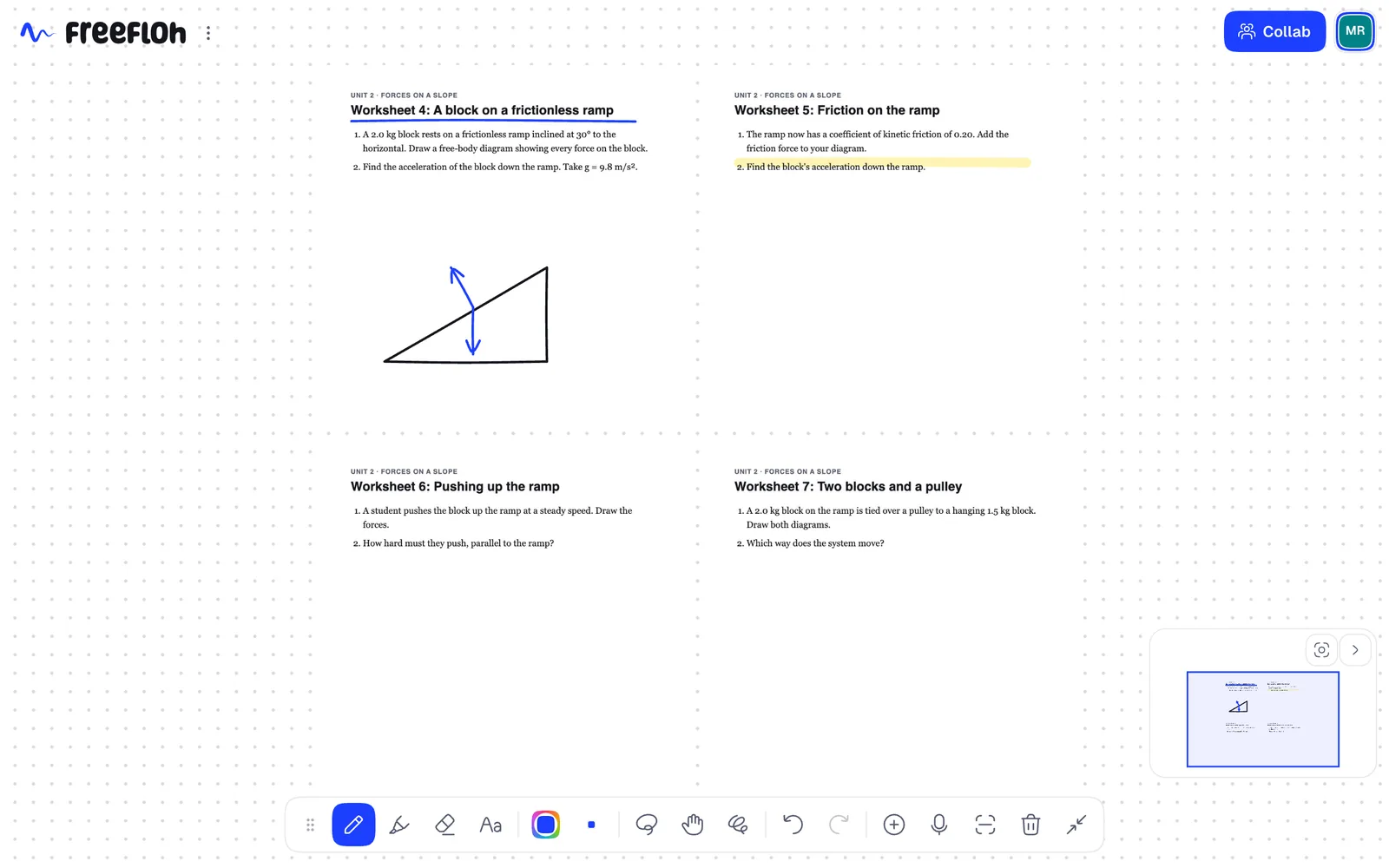
- It opens in any current browser, including on a managed school Chromebook, with nothing to install.
- Boards kept on your device are free and unlimited.
- Its ink follows your pen's pressure wherever the device reports it, and a mouse or a finger works too.
- You can bring up to 50 pages of a PDF onto the board as images and write on them.
- It records the board with your voice and a pointer, and keeps voice notes with transcripts made on your device.
- You can pin a lecture video or a playlist to your screen, and it keeps playing while you write.
On a school Chromebook, see handwritten notes on a Chromebook with a stylus.
Where Goodnotes is still the better choice
- Goodnotes keeps notebooks of pages, with templates and folders. FreeFloh has one endless board per board.
- It marks up PDFs and exports them again. FreeFloh turns PDF pages into images and exports PNG images.
- On iPad, it searches your handwriting. FreeFloh can't search ink.
Sources
Sources: Goodnotes' own pages. Prices are in US dollars.
- Goodnotes' pricing, Goodnotes for Windows, Goodnotes for Web, downloads for Android and Windows, system requirements, features still to come and the general FAQ.
- Our own pricing and FAQ.
Goodnotes is a trademark of its owner. FreeFloh is not affiliated with or endorsed by Goodnotes.
Questions
Is there Goodnotes for Chromebook?
Yes. Goodnotes installs from Google Play on Chromebooks that meet its requirements, and its web version runs in Chrome. FreeFloh runs in the Chromebook's browser with nothing to install.
Is Goodnotes free on Windows?
Goodnotes has a free plan on every platform, limited to 3 files with watermarked exports, according to its pricing page. FreeFloh is free to draw with no limit on boards kept on your device.
Can I bring my Goodnotes notebooks into FreeFloh?
Export a notebook from Goodnotes as a PDF, then import up to 50 pages at a time into FreeFloh as images you can write on.
Does FreeFloh search handwriting?
No. If you rely on searching your handwritten notes, Goodnotes on iPad is built for that.