An infinite canvas, beautifully fluid and free.
Give every note, plan, equation and drawing the room it needs. Zoom out, and it is all there on one board.
Open the canvasfree in your browser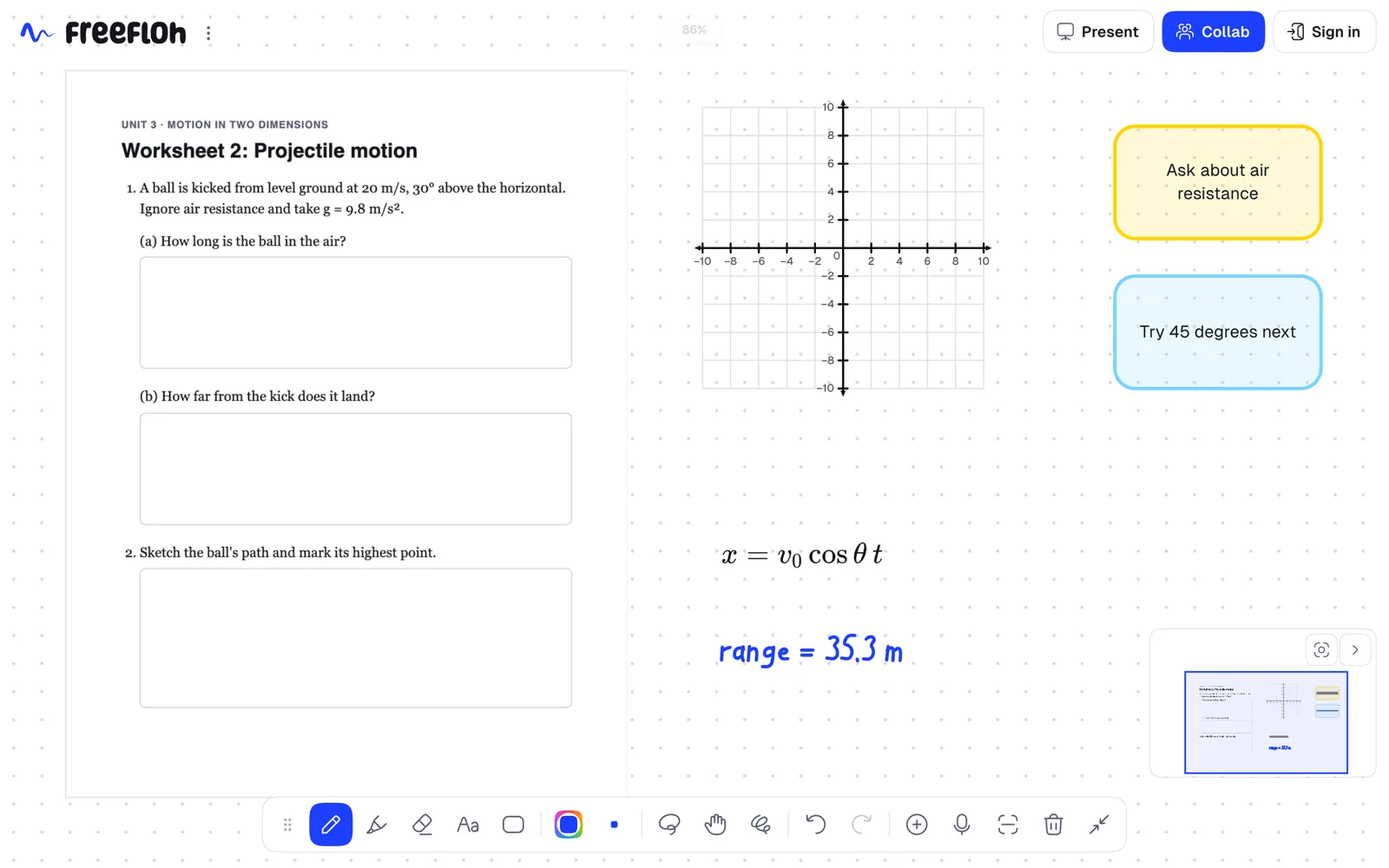
Give every note, plan, equation and drawing the room it needs. Zoom out, and it is all there on one board.
Open the canvasfree in your browserAn infinite canvas is a workspace with no page edges. Instead of turning to a new page, you pan to empty space in any direction and zoom in or out, so notes, drawings and diagrams sit side by side at whatever size suits them.
The term comes from comics: Scott McCloud used it in his 2000 book Reinventing Comics for web pages that can grow as large as a story needs (see Wikipedia's article). Whiteboard and note apps use it now for boards that never run out of room, and FreeFloh is one of them, in your browser.
Say your revision mind map started with three bubbles and now has forty. Keep adding in any direction, and zoom out to see all of it at once.
Every board is one endless canvas, so a page never ends mid-thought.
See where you are on the board at a glance, and jump to any part of it.
Pinch, scroll or drag to move. Zoom in to write small and out to see it all.
Dots, a grid or plain, in light or dark. Dock the toolbar on any edge.
A history student pins the source and draws the timeline beside the notes. A physics student keeps the diagram next to the working instead of a page away.
Press the button above, or open freefloh.com/app in any current browser. A new board opens straight away.
Write, draw or drop in a PDF wherever you like. When you need more room, drag with two fingers or scroll to move to empty space.
Pinch on a touchscreen or trackpad, or hold Ctrl and scroll, to zoom from 25% to 400%. The minimap jumps you to any part of the board.
The board saves in your browser as you work. On Plus and Ultra, save it to the cloud to open it on every device.
Open the canvas in Chrome, Edge, Safari or Firefox, on an iPad, a Chromebook, Windows, a Mac or an Android tablet.
Yes. Drawing, every pen and shape, PDFs, voice notes and unlimited boards on your device are free. Cloud boards and drawing together come with Plus and Ultra.
A board with no page edges: you pan to new space in any direction and zoom in or out, instead of turning pages.
Yes. FreeFloh is free and runs in the browser, so on an iPad, an Android tablet, a Windows laptop or a Chromebook you open FreeFloh with nothing to install.
The board has no edges. You pan to move to empty space, zoom from 25% to 400% to see more or less of it, and the minimap shows where you are.
Yes. Open FreeFloh in Safari and write with Apple Pencil, with your palm resting on the screen.
Use the minimap in the corner, or zoom out to see everything and zoom back in where you need to.
Boards on your device stay in that browser. With Plus or Ultra, cloud boards open wherever you sign in.
Open FreeFloh and start anywhere on the canvas.
Open FreeFlohfree in your browserFreeFloh is built by a teacher, for teachers. Used in real classes across dozens of school districts and the world's leading learning sites like nerd-notes.com.